Better AI Image Prompts for Veterinary Marketing
Learn how to write better AI image prompts for veterinary marketing, avoid common visual errors, and create accurate images for blogs, social media, websites, and clinic announcements.
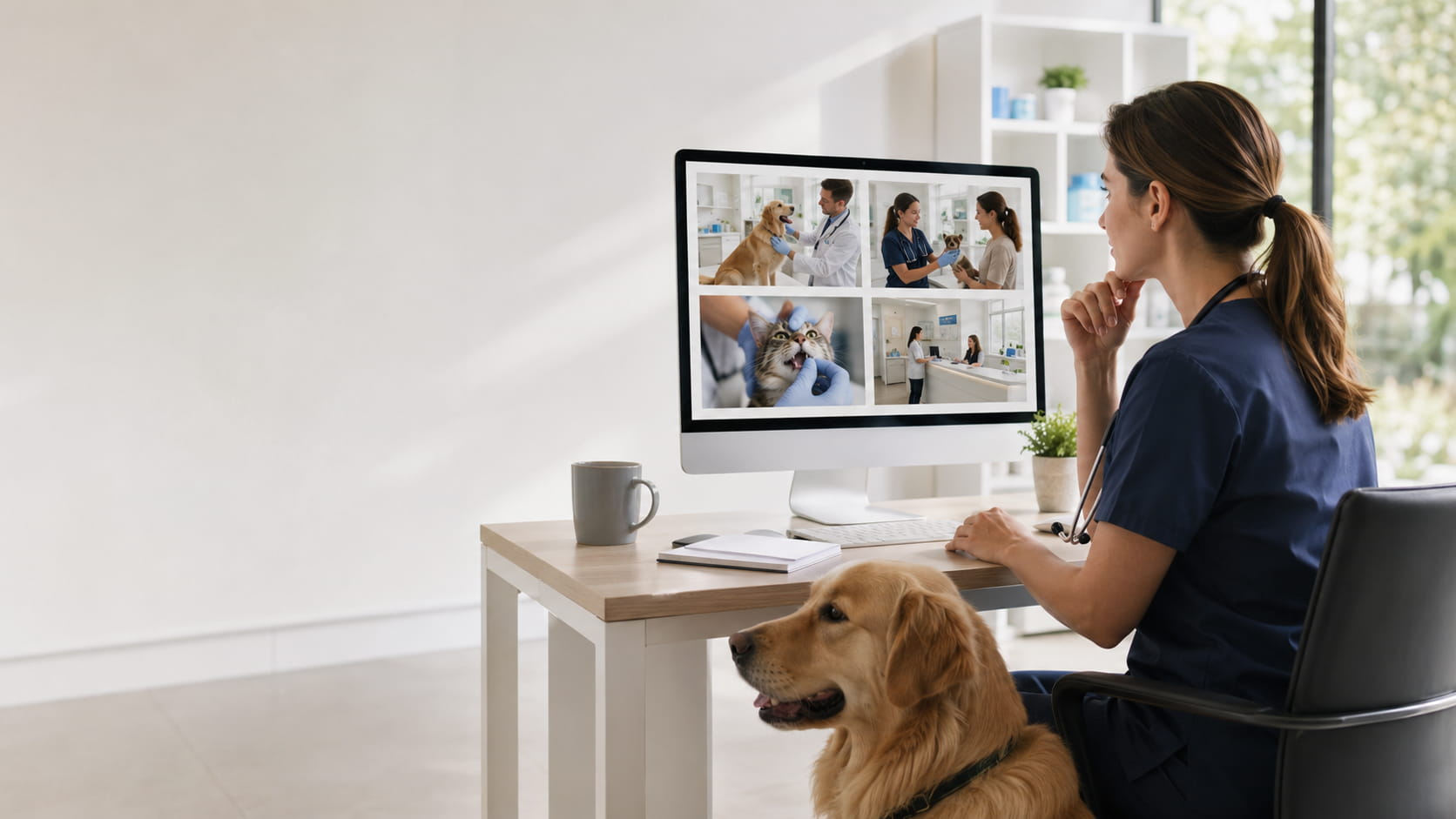
Ask an image generator for “a veterinarian examining a dog,” and you may get an extra paw, invented equipment, and meaningless text on the clinic wall. Even a polished image can fail as marketing if it doesn’t say what the clinic needs it to say.
The generator needs specific instructions about the image’s purpose, the veterinary activity, the setting, and the layout.
This guide explains how to write better AI image prompts for veterinary marketing, with examples for clinic websites, social media, blog posts, and announcements.
Start With the Job the Image Needs to Do
Write the purpose into the prompt. “Social media image for a vaccination reminder” is more specific than “dog at a veterinary clinic.” For a blog, request a wide header. For an announcement, say where you need room for the clinic’s wording.
Think about where the image will appear and what viewers should understand. Social posts need simple scenes that remain readable on a phone. Website photography can show more of the clinic. Educational materials may need a closer view of one action.
Add titles, dates, phone numbers, and calls to action later in your design software. Don’t ask the generator to invent the clinic’s wording. Request an uncluttered blank area, often called negative space, instead.
Tell the tool how to frame the scene: close-up, medium shot, or wide view. You can also place the subject within the frame, such as “veterinarian and dog on the right, open background on the left.”
Common aspect ratios include:
1:1 for square social posts
4:5 for portrait social posts
9:16 for Stories and other vertical placements
16:9 for blog headers and slides
3:2 for general website photography
Include exact pixel dimensions if your website or template requires them and the image tool accepts them.
Describe the Veterinary Scene, Not Just the Mood
Terms such as “compassionate care” and “welcoming clinic” don’t tell the generator what to show.
Name the animal and the action. Depending on the content, include the species, breed, age, size, coat, or body position. “A calm adult golden retriever standing on a nonslip exam-table mat while a veterinarian listens to its heart” describes a scene the tool can build.
Say who the veterinary professional is and what they’re doing. Veterinarian, technician, assistant, and receptionist aren’t interchangeable. Clothing and positioning may also be useful, especially when the image shows patient handling.
Be cautious with procedures. Don’t show the injection unless the procedure is the point. A vaccination campaign can show a technician speaking with a pet owner instead. Blood collection, dentistry, surgery, and other medical procedures are also prone to errors in anatomy, positioning, and restraint.
Start with the clinical activity, then add terms such as “photorealistic,” “soft natural light,” or “professional editorial photography.”
Clinic Details: Fewer Are Usually Better
AI-generated exam rooms often borrow from human medicine. You may see hospital beds, human dental equipment, laboratory machinery, or instruments that don’t belong in a general veterinary practice.
A few details are usually enough: a nonslip exam-table mat, veterinary scale, closed cabinetry, wall-mounted otoscope, or secure cat carrier.
Keep the background simple. A long equipment list can produce clutter and made-up instruments. Try a short description:
Modern neighborhood veterinary clinic with warm neutral walls, blue accents, natural wood cabinetry, and a calm, welcoming atmosphere.
Never add identifiable client or patient information to a prompt. Leave out medical records, appointment screenshots, names, addresses, phone numbers, account details, and other private clinic data.
A Reusable Prompt Template
Use this as a starting point:
[Purpose and subject] + [veterinary activity] + [clinic environment] + [mood] + [composition] + [photographic style and lighting] + [aspect ratio] + [restrictions]
Create an image for [purpose] showing [animal species, breed, age, or appearance] with [veterinary professional] performing [specific activity] in [clinic environment]. The scene should feel [tone]. Use [composition and camera angle], [photographic style and lighting], and leave [location] open for added text. Format as [aspect ratio]. Do not include [unwanted elements].
You won’t need every field for every image. Keep the details that shape the scene or prevent a serious mistake.
Copy-Ready Prompt: Routine Dog Examination
Create a photorealistic website image showing a veterinarian in clean navy scrubs examining a calm adult golden retriever in a modern small-animal exam room. The veterinarian is gently listening to the dog’s heart with a stethoscope while the dog stands naturally on a nonslip exam-table mat. The pet owner stands beside the table, watching attentively. Use an eye-level medium shot, true-to-life colors, soft natural window light, and a warm, reassuring mood. Keep the background simple with minimal equipment. Landscape 3:2 format. No text, logos, needles, unusual restraint, anatomical distortions, or futuristic equipment.
For a cat version, describe how the patient is positioned and supported rather than changing only the species.
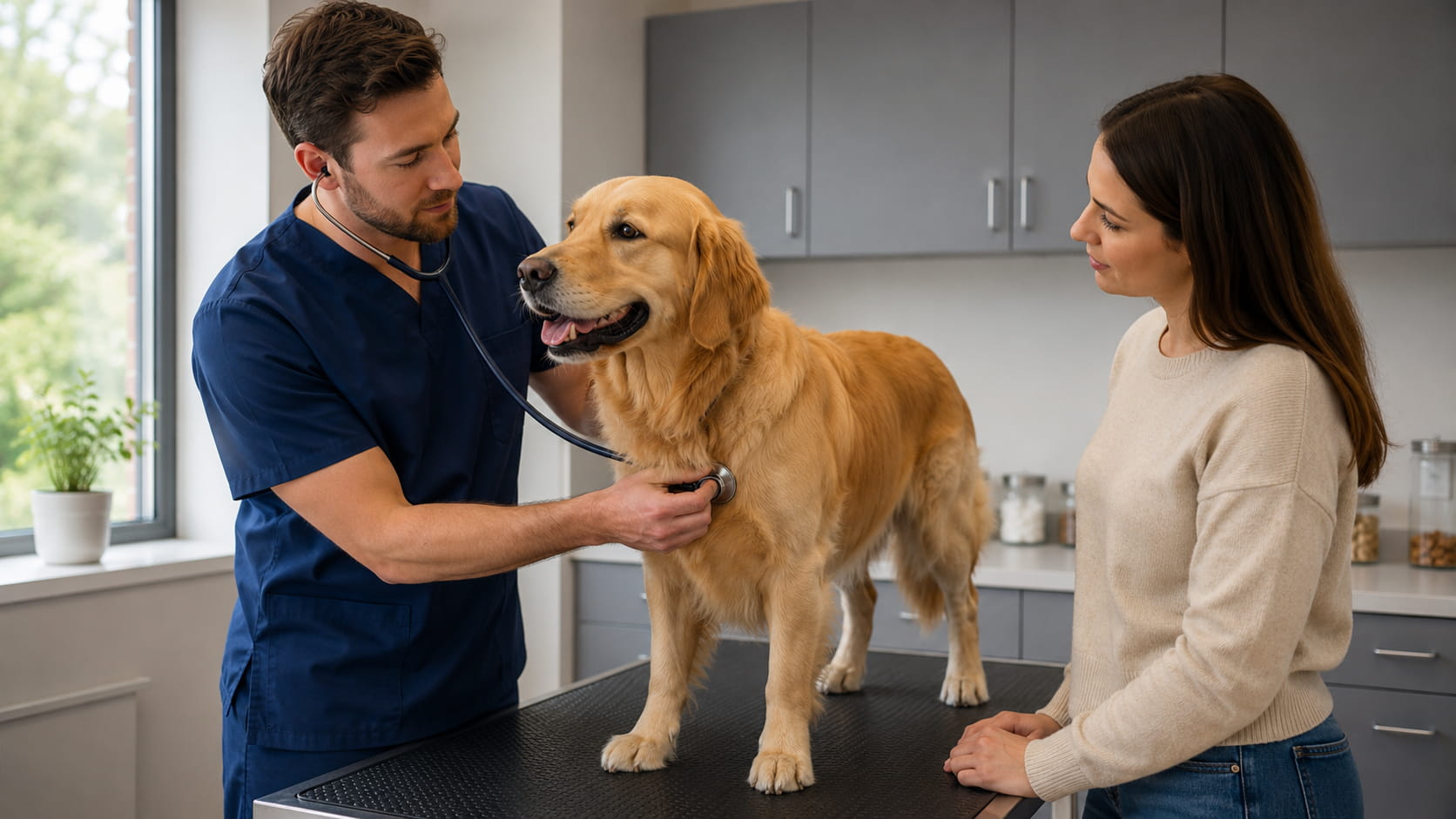
Example generated with GPT-5.5 using the routine dog examination prompt above.
Copy-Ready Prompt: Vaccination Reminder
For most client reminders, show the conversation rather than the injection.
Create a realistic social media image for a veterinary vaccination reminder. Show a healthy mixed-breed dog sitting calmly beside a veterinary technician in clean teal scrubs inside a bright consultation room. The technician is speaking with the dog’s owner and holding a blank clipboard; no injection is taking place. Place the subjects on the right with clear negative space on the left for reminder text. Use professional veterinary photography, soft daylight, and a welcoming, informative tone. Format as a 4:5 portrait. No readable text, medication labels, syringes, distressed animals, visible patient records, or clinic branding.
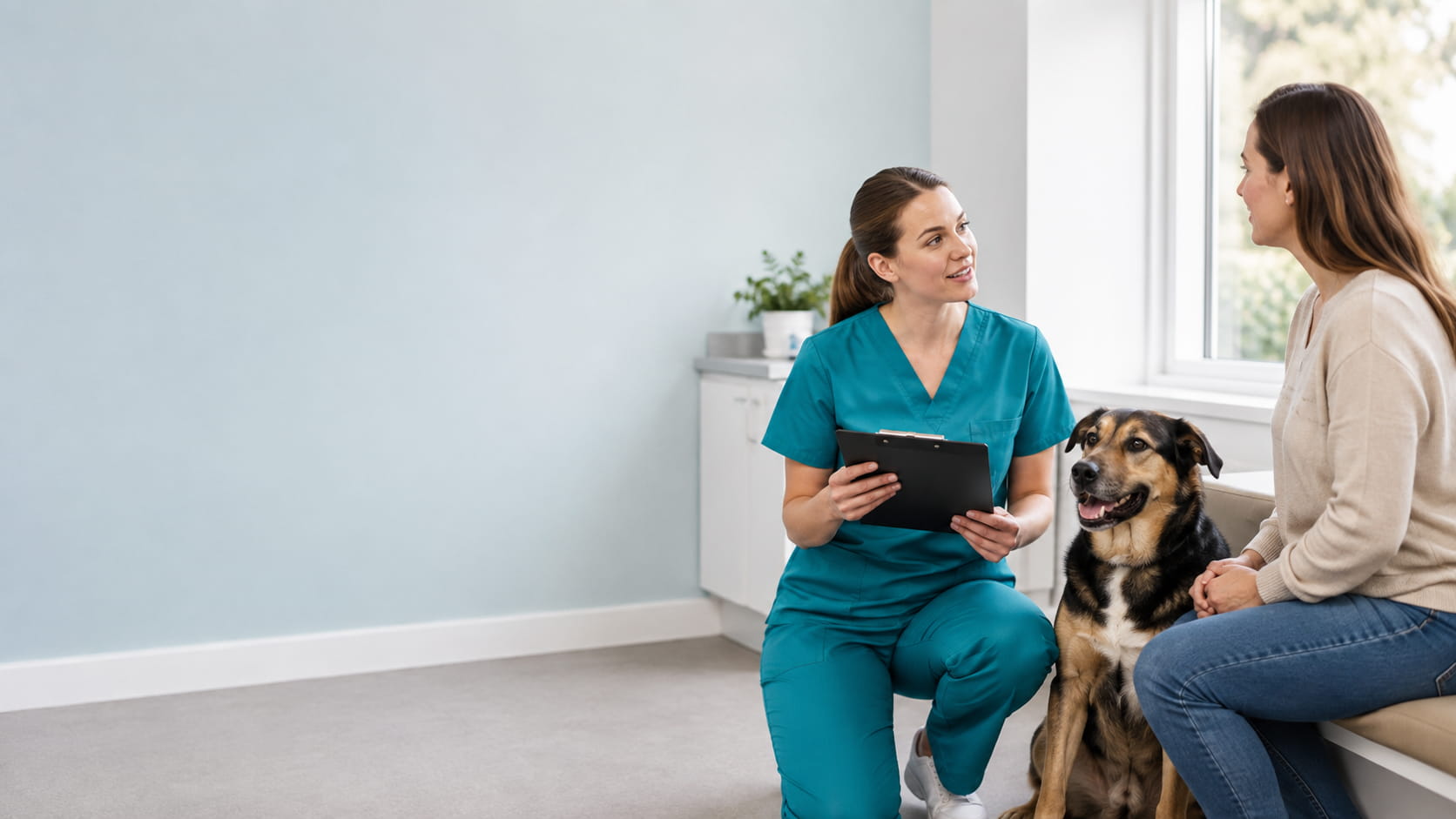
Example generated with GPT-5.5 using the vaccination reminder prompt above.
Copy-Ready Prompt: Dental Health Blog Header
Check the teeth, hands, equipment, and the cat’s support closely.
Create a photorealistic blog header about preventive dental care for cats. Show a veterinarian gently lifting the lip of a calm adult domestic shorthair cat during an oral examination in a clean veterinary exam room. The veterinarian’s hands should be positioned safely and naturally, and the cat should be comfortable and properly supported by a veterinary technician. Use a wide composition with the clinical interaction on the left and an uncluttered background on the right for a blog title. Show a clear but non-graphic view with natural anatomy, professional editorial photography, and soft clinical lighting. Format as 16:9. No severe dental disease, blood, human dental equipment, distorted teeth, or text.
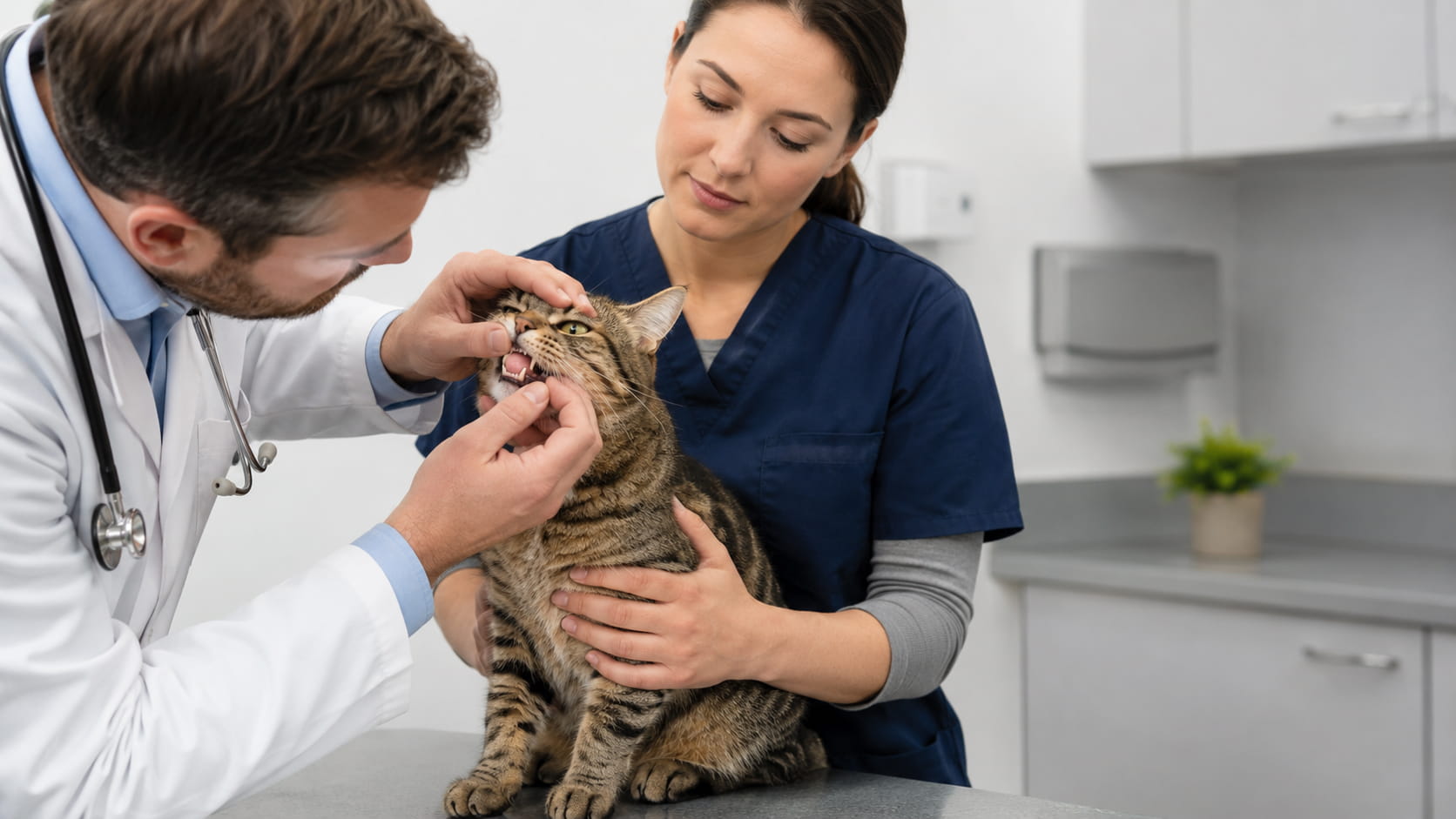
Example generated with GPT-5.5 using the dental health prompt above.
Copy-Ready Prompt: Clinic Hours Announcement
Create a realistic image for a veterinary clinic hours announcement. Show a friendly receptionist in professional attire helping a pet owner check in with a cat secured inside a clean carrier. Use a bright, organized veterinary reception area with warm neutral colors and subtle green accents. Place the people and carrier in the lower-right portion of the image, leaving generous blank space in the upper-left for clinic hours. Use natural expressions, professional lifestyle photography, and soft daylight. Square 1:1 format. No readable signs, computer-screen details, phone numbers, paperwork, crowded waiting room, loose cat, or visible client information.
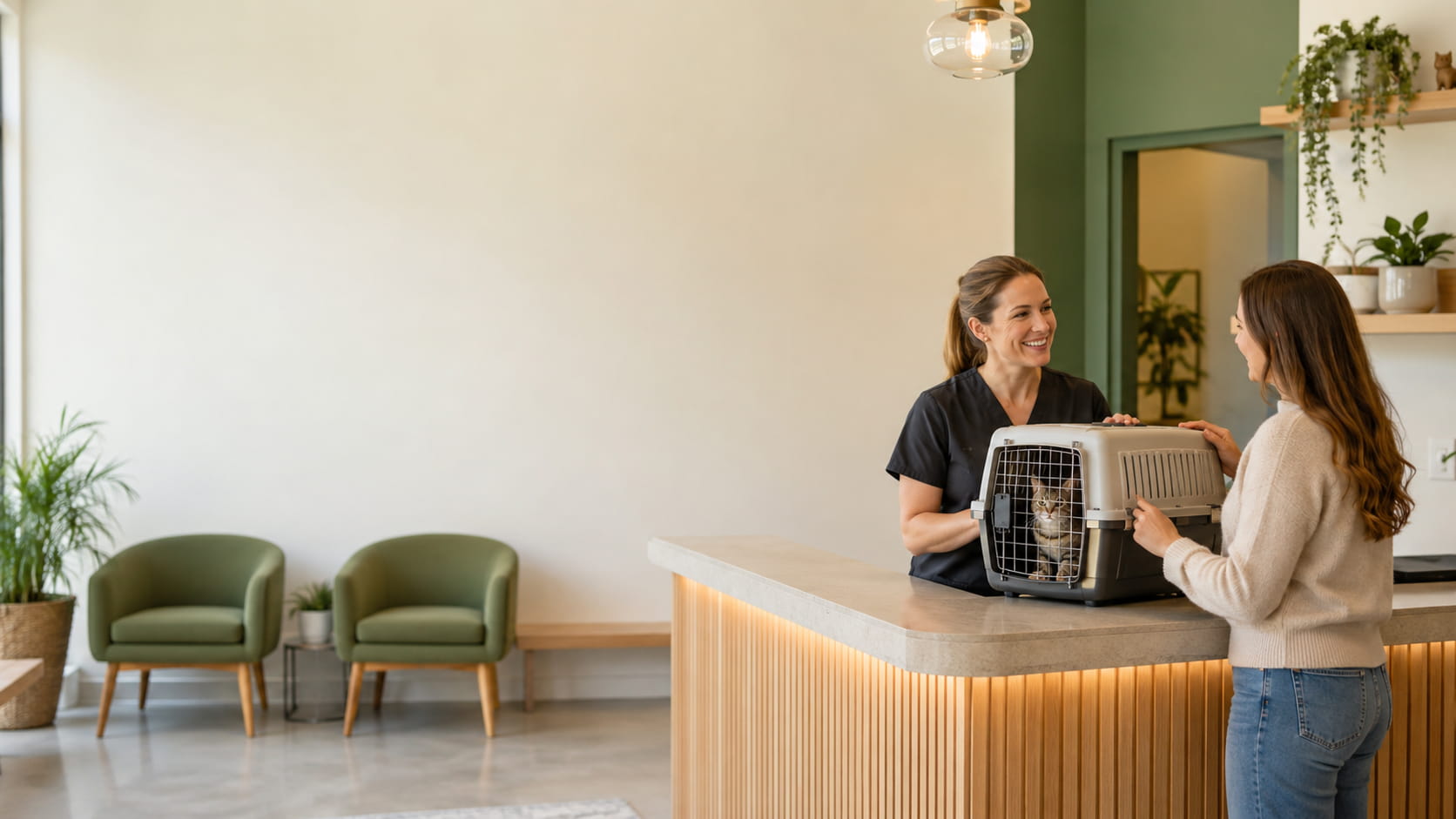
Example generated with GPT-5.5 using the clinic hours announcement prompt above.
Review Before Publishing
Zoom in before approving an image. Check the animal’s anatomy, staff members’ hands, patient positioning, restraint, teeth, instruments, carriers, and medication packaging. Equipment can look convincing at first glance and still be clinically wrong.
A veterinary professional should review any procedural image. Don’t present generated visuals as diagnostic images, clinical evidence, or proof of treatment outcomes, and avoid fabricated before-and-after images that clients could mistake for real cases.
Decide what the image should communicate before writing the prompt. Then be specific about the veterinary details that must be accurate.