How Veterinary Reception Teams Can Save Time and Reduce Administrative Work
Veterinary reception teams handle constant calls, bookings, reminders, forms, and client requests. Learn practical ways clinics can reduce admin work and give front-desk staff more focused time.
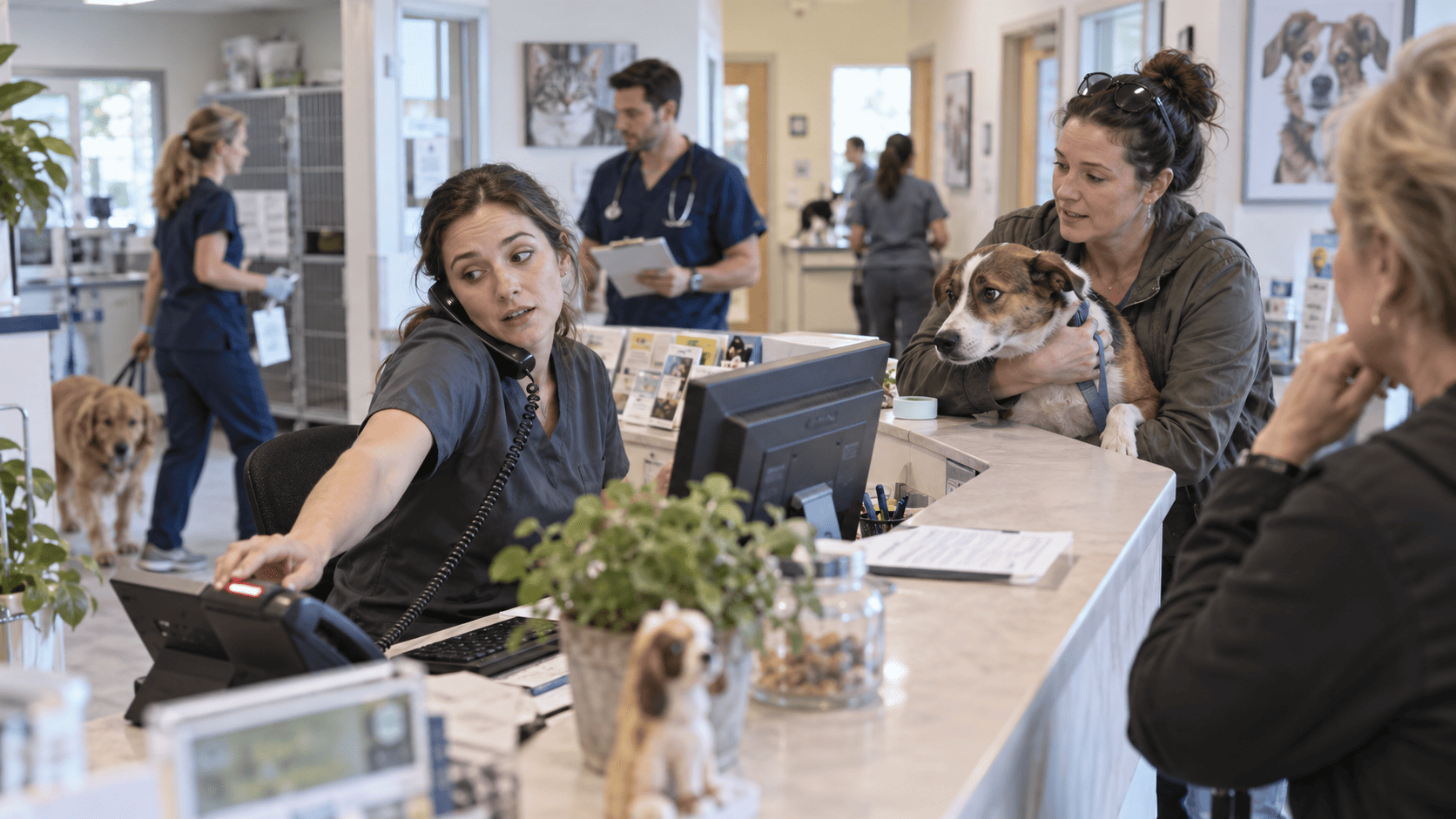
A veterinary receptionist can be checking in a nervous dog, answering a ringing phone, waiting for a prescription approval, replying to a client asking whether lab results are ready, and watching the next appointment arrive—all within a few minutes.
That’s a front desk built around interruption.
Reception teams sit where nearly every part of a veterinary practice meets: clients, clinicians, schedules, payments, records, prescriptions, referrals, and follow-up. AAHA describes receptionists and client service representatives as the people who answer phones, manage schedules, greet clients, handle inquiries, troubleshoot problems, and process payments. Its 2026 coverage of veterinary receptionists also emphasizes the emotional side of the job: they’re often the first people speaking with owners who are frightened, confused, or desperate. (aaha.org)
Reducing administrative work should start with the work itself. Which tasks genuinely require a person at the front desk, and which ones are there simply because that’s how the clinic has always handled them?
Start by looking at what actually reaches reception
Track front-desk requests for several ordinary working days.
The mix will probably include complicated conversations alongside very predictable ones. One client may be trying to decide whether their pet needs urgent attention. The next wants to move a vaccination appointment from Tuesday to Thursday. Someone else needs an invoice resent. Another client is calling to ask what time the clinic closes.
If all of those requests arrive through the same phone line, they compete for the same staff attention even though they’re very different kinds of work.
AAHA recommends mapping the client journey from first contact onward to identify bottlenecks. In one veterinary practice group described by AAHA, 90% of clients were contacting the hospital by phone. After alternatives including online booking and text communication were introduced, the group reported lower call abandonment and shorter transaction times. (aaha.org)
The phone will remain essential in veterinary medicine. Some conversations need nuance, reassurance, or immediate triage. But a phone call is a costly way, in staff time, to answer a question that could have been handled by a booking page, confirmation message, or clearly published clinic information.
A practical way to review reception work is to separate requests into those clients can safely handle themselves, those staff can manage under an agreed protocol, and those that require clinical judgment.
Routine booking doesn’t always need a receptionist
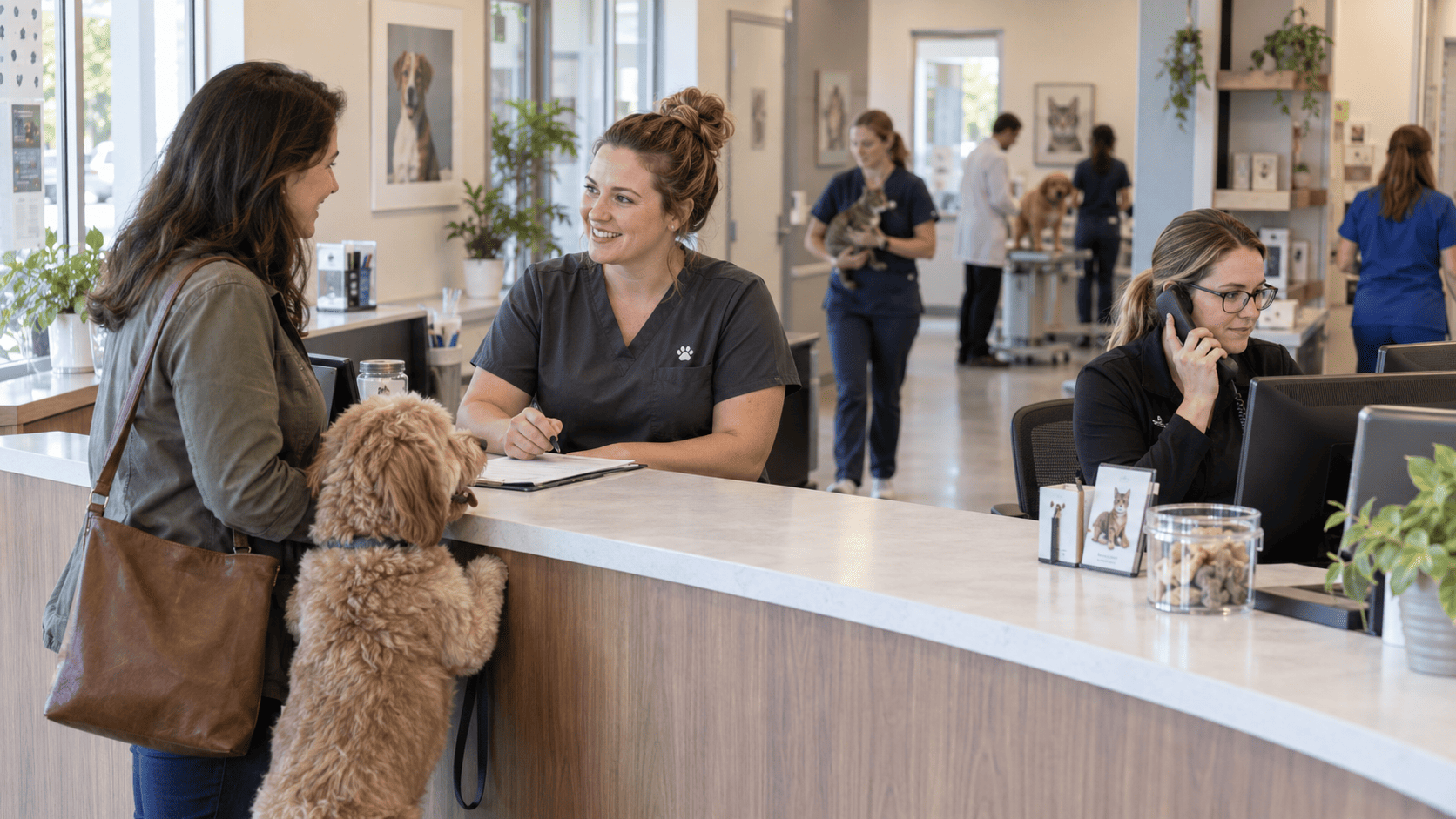
Take a client booking a routine wellness examination three weeks from now.
By phone, a receptionist may need to identify the client, locate the patient, determine the reason for the visit, offer several times, reject times that don’t work for the client, confirm the final appointment, and perhaps repeat the clinic’s arrival instructions.
Multiply that by dozens of routine bookings every week and the administrative cost becomes obvious.
Online booking can remove much of that exchange, as long as the clinic controls what can be booked online. Appointment types, duration, clinician availability, and restrictions still need to reflect how the practice actually works.
AAHA has recommended online scheduling and automated confirmations as ways to reduce phone traffic and back-and-forth communication. One veterinary practice featured by AAHA reported 370 appointments booked online in a single month, allowing its reception team to spend less time handling bookings by phone. (aaha.org)
Forms are another obvious candidate. New-client information, patient details, consent forms, and other routine information can often be collected before the client reaches the desk.
There’s little value in asking an owner to write information on a clipboard so that someone at reception can type the same information into another system ten minutes later.
Reminder work should mostly happen without staff involvement
Appointment reminders are repetitive, high-volume, and predictable. They’re well suited to automation.
Evidence from human healthcare consistently shows that reminders improve attendance. A systematic review and meta-analysis covering more than 16,000 patients found that people receiving electronic text notifications were 23% more likely to attend and 25% less likely to miss appointments than those receiving no notification. This isn’t veterinary-specific evidence, so it shouldn’t be presented as a veterinary no-show rate. It does, however, support the basic operational value of appointment reminders. (pubmed.ncbi.nlm.nih.gov)
Veterinary clinics can automate appointment confirmations, vaccination reminders, preventive-care recalls, and other routine follow-up where appropriate.
The workflow after the reminder matters just as much. If a client confirms an appointment, reception should be able to see the confirmation without recording it manually. If the client cancels, staff need enough notice to make the slot available. A system that sends automated reminders but then deposits every response into another inbox for reception to sort through has only moved the work around.
Clinical communication is different. A postoperative concern, breathing difficulty, medication reaction, euthanasia discussion, or owner who doesn’t understand a treatment plan needs an appropriate human response and, where necessary, clinical escalation.
Phone tag is still consuming more time than many clinics realize
A large amount of reception work comes from conversations where the two people involved simply aren’t available at the same time.
A client calls. The receptionist is helping somebody at checkout. The client leaves a voicemail. Reception returns the call while the owner is at work. Another voicemail follows.
None of those attempts moves the case forward.
AAHA/AVMA telehealth guidance notes that asynchronous communication, including messaging and text, can improve scheduling efficiency by reducing phone and email tag. (aaha.org)
Straightforward status updates are good candidates for messaging: confirming that medication is ready, acknowledging a request, giving an arrival time, or telling an owner that the veterinarian has responded.
Reception staff also need to know when messaging stops being administrative. If an owner writes that their dog has collapsed, the response cannot sit in the same workflow as a request to change an appointment. Clear escalation rules matter here.
Receptionists shouldn’t have to ask the same internal questions every day
Some front-desk delays have nothing to do with clients.
A receptionist is trying to schedule a new puppy appointment but isn’t sure how much time to allocate. Someone requests a prescription refill, but the receptionist doesn’t know whether it goes to a technician or directly to the veterinarian. A client asks for a technician appointment and the rules seem to depend on which colleague happens to answer the question.
These small uncertainties create constant interruptions behind the scenes.
AAHA's technician-utilization guidance recommends standardized workflows for areas including triage calls, follow-up calls, recheck diagnostics, auxiliary-care appointments, and next-day planning. Its referral guidance similarly recommends clearly defining roles and training team members on scheduling and referral processes. (aaha.org)
That might mean agreed appointment lengths, defined prescription-request procedures, referral checklists, written criteria for technician appointments, and an obvious route for anything that requires clinical judgment.
Standardization isn’t glamorous, but in a busy hospital it can save more time than adding another communication tool.

Protect reception staff from constant context switching
A common front-desk setup asks the same person to greet arriving clients, answer incoming calls, monitor messages, process payments, check email, manage departures, and deal with whatever unexpected problem appears next.
That arrangement deserves more scrutiny than it usually gets.
Veterinary Practice News has described practices using designated work zones such as check-in, checkout, phone operator, and floater to reduce the strain of doing everything simultaneously. (veterinarypracticenews.com)
Not every clinic has enough people to assign separate jobs all day. Smaller teams can still rotate responsibilities or protect particular periods. If 8:00–9:00 a.m. is dominated by admissions and morning appointments, having one person concentrate on clients physically in front of them while another handles calls can be far calmer than asking both people to do both jobs.
An owner explaining that their cat hasn’t eaten for two days shouldn’t have to compete with a ringing telephone and three message notifications.
There’s a wellbeing issue here too. Merck Animal Health's 2023 Veterinary Team Wellbeing Study included 278 reception, client-service, and other staff members. Within that group, 62% were categorized as having medium burnout, 19% high burnout, and 1% very high burnout. (merck-animal-health-usa.com)
Workflow changes won’t solve burnout on their own. Asking already pressured staff to spend large parts of the day on avoidable administrative work still makes little sense.

Watch for technology that creates another layer of administration
Adding software doesn’t automatically reduce workload.
A clinic might have one system for scheduling, another for reminders, another for messaging, separate online forms, a payment platform, and the medical record. If staff are repeatedly copying client details or switching between screens to understand a single interaction, the technology stack has become part of the administrative problem.
Recent veterinary practice-management discussions have highlighted this issue, noting that disconnected systems can create extra work and leave client information inconsistent. (aaha.org)
Before introducing another tool, follow one ordinary task from beginning to end.
A client books an appointment online. Where does it appear? They change their mobile number. How many places need updating? They complete a form at home. Does somebody still have to re-enter it? They confirm tomorrow’s appointment. Can everyone who needs that information see it?
If the answer involves repeated copying, checking, or switching systems, staff time is still being spent on administration that should have disappeared.
Give reception time back where it matters
Most practices won’t transform reception workload with one dramatic change.
The practical improvements are usually smaller: fewer reminder calls, fewer routine booking conversations, fewer forms being entered twice, fewer attempts to reach the same client, and fewer interruptions over standard requests.
Start with the work that repeats every day. Automate reminders where appropriate. Give clients sensible self-service options. Write down the rules receptionists repeatedly need to ask about. Then look closely at any process where information is being copied from one place to another.
Reception is one of the few places in a veterinary clinic where operational efficiency and client experience are tightly connected. Time saved at the front desk can be spent helping the owner in front of you, handling a difficult call properly, or keeping the rest of the day from slipping behind.
How Veterian can help
Veterian brings appointments, client and patient records, visits, billing, and other everyday clinic workflows into one system.
For reception teams, this can mean less switching between separate tools, fewer duplicated updates, and better visibility into what’s happening across the clinic. Appointment management and automated reminders can also take some routine follow-up work off the front desk.
Veterian won’t replace clear processes or good communication between teams, but it can make those processes easier to manage day to day.
If you’d like to see how it works, learn more about Veterian.